Turn a Single Prompt into a Full Animation with Nano Banana
Nano Banana has taken the world by storm and continues to disrupt entire industries, including art, marketing and advertising.
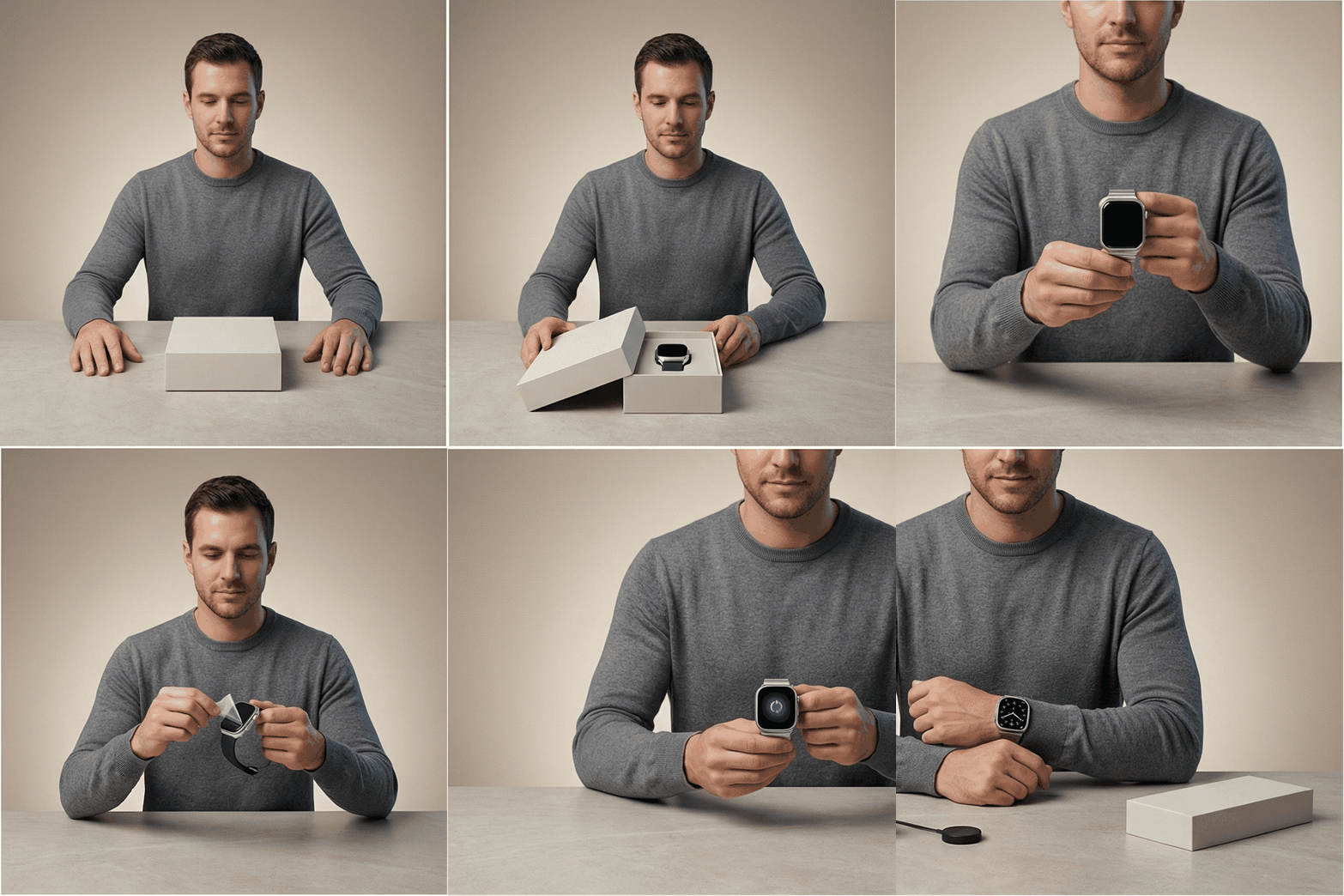
While many people use it to create amazing illustrations, slides and other assets, one capability is often overlooked: image grids.
With this feature, Nano Banana (and ChatGPT to a certain extent) can generate not just one image in response to a prompt, but a series of images arranged in a grid like this:
This amazing capability can be used not just to create images, but also entire animations, advertising videos, tutorials and much more.
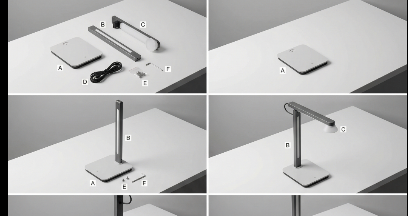
In this tutorial, we will demonstrate an exciting use case: creating an assembly video or animation with just one prompt using Nano Banana on BudgetPixel.
If you don't already have a BudgetPixel account, feel free to create one here.
Step 1: Set Up Your Project
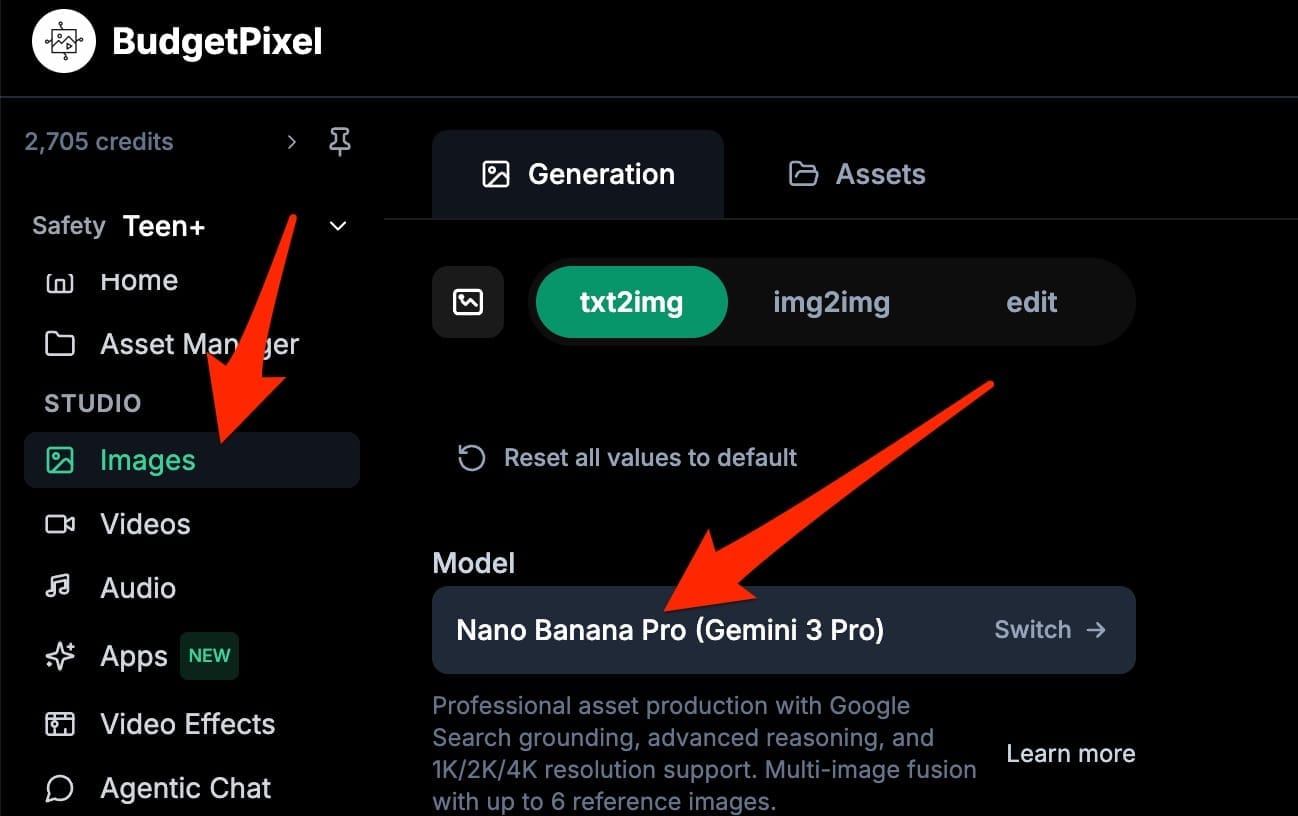
Head to the Image Studio as shown below and select Nano Banana.
Next, enter this prompt and update the placeholder [PRODUCT NAME + short description]
Create a consistent step-by-step product assembly as a sequence of 8 frames.
Keep EVERYTHING identical across all frames: camera angle, focal length, lighting, background, table surface, color palette, shadows, and object positions (except the newly added part).
Style: clean studio product photography, softbox lighting, high detail, realistic materials, sharp focus.
Scene: top-down 3/4 angle on a matte white workbench with subtle texture.
Main product (final goal): [PRODUCT NAME + short description].
Parts: [list key parts]. Tools allowed: [tools].

Frame progression (only the new change per frame):

Lay out all parts neatly, labeled with small unobtrusive tags A, B, C…

Place the base/chassis in the center.

Attach part A to the base (show fasteners if used).

Attach part B (do not move previously attached parts).

Insert internal component C (show precise alignment).

Add external cover/shell D (snap/slide into place).

Tighten/lock final connections (small visible detail only).

Final fully assembled product hero shot, same camera position.

Constraints (must follow):

Do not change background, camera position, crop, lighting, or color temperature.

Do not add extra objects, hands, or new tools unless listed.

No text overlays except the small part labels in frame 1.

No deformation: product shape, logo, and materials must remain consistent.
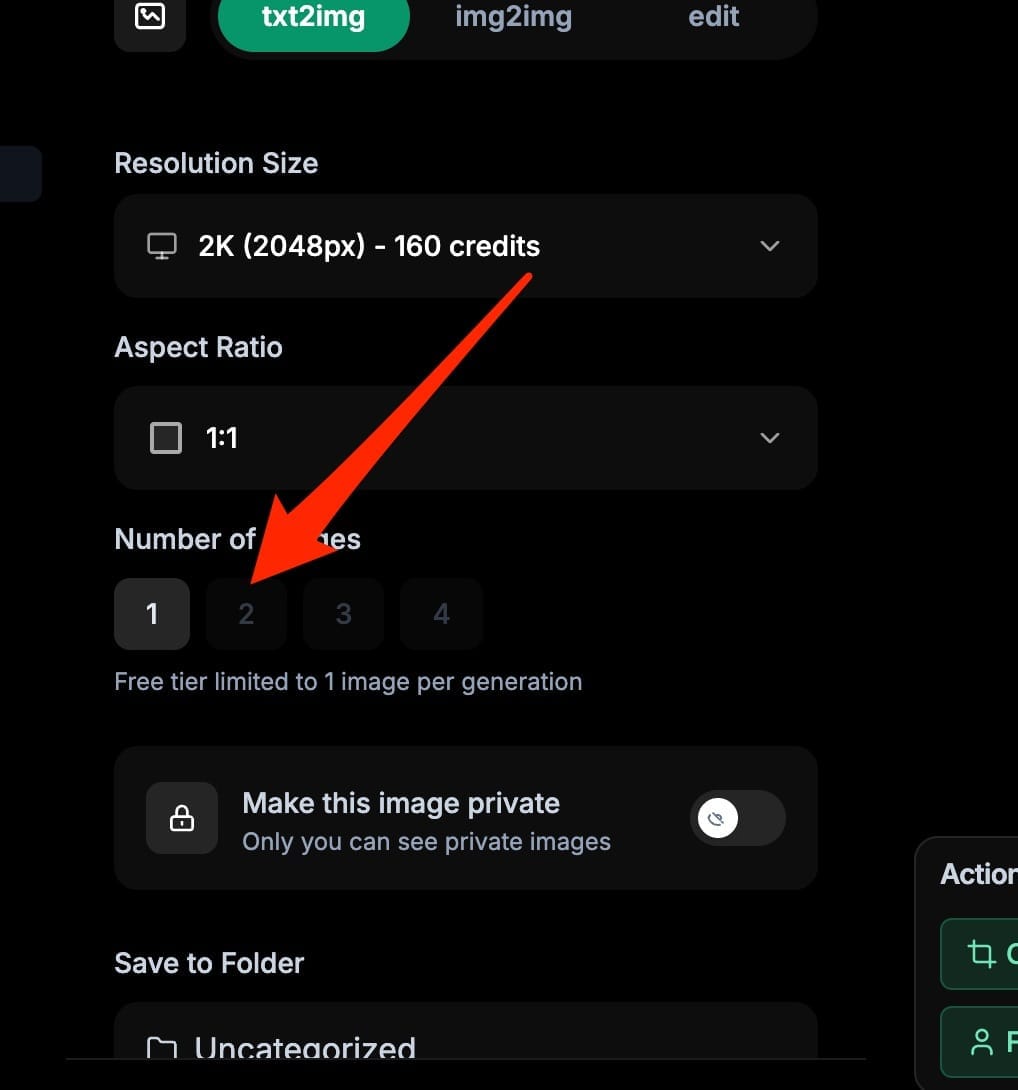
There are lots of other parameters that can be adjusted, such as the resolution, aspect ratio and number of images.
For this tutorial, however, we will stick with the defaults.
For more advanced scenarios, I recommend trying to generate with higher resolution (to get better resolution in the final animation) and letting BudgetPixel generate multiple variations to choose from.
Step 2: Generate the Grid
Now, head to the Generate button at the bottom of the page.
I go grab a cup of coffee and a few minutes later, we have the image grid. At first glance, it looks quite consistent and super realistic.
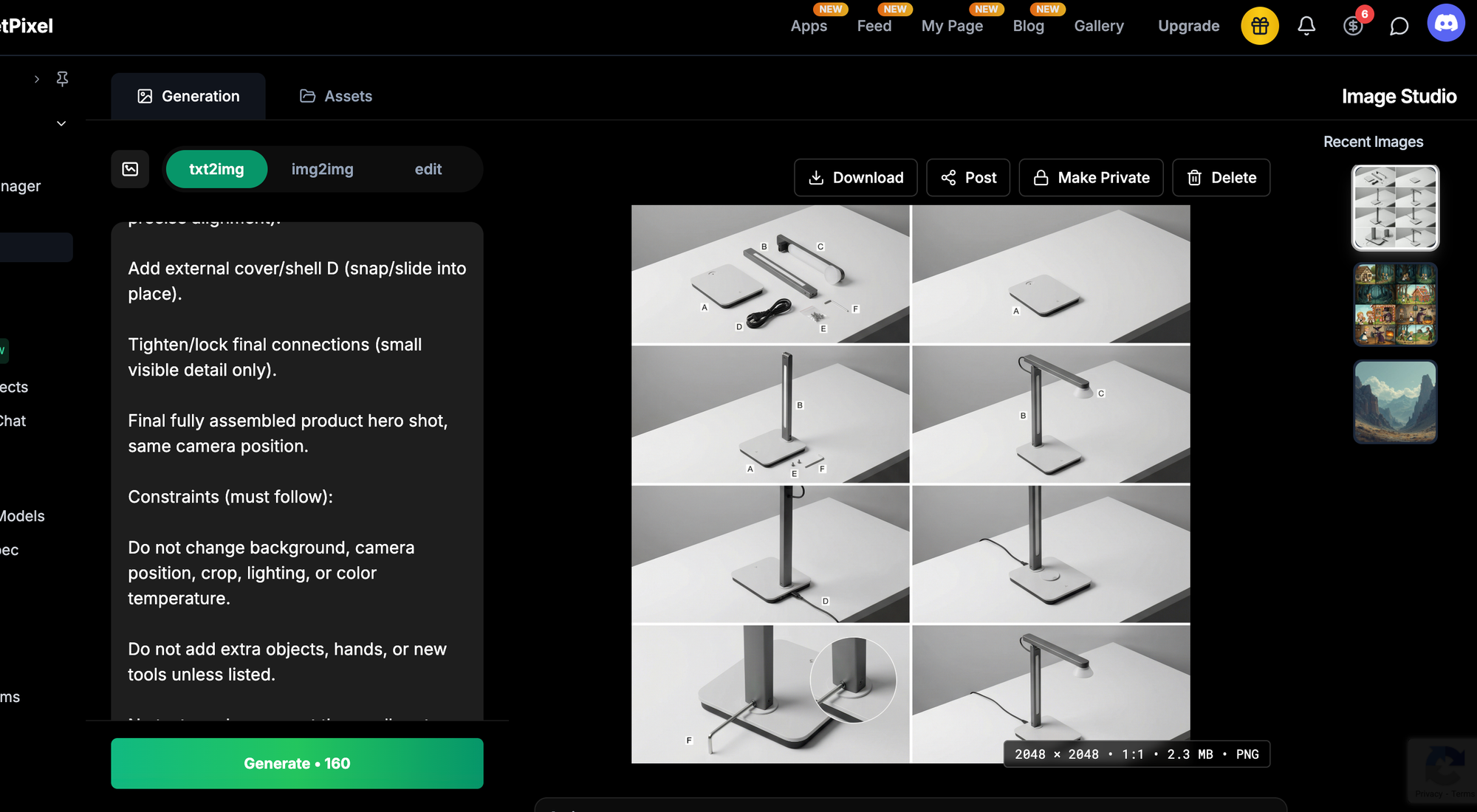
Step 3: Create the Animation
Now, download this image and head to the Image Cutter—a free open-source tool on Hugging Face that can create an animation from this image grid in a few seconds.
https://huggingface.co/spaces/airabbitX/image-cutter
Select the proper rows and columns, then click Cut Image.
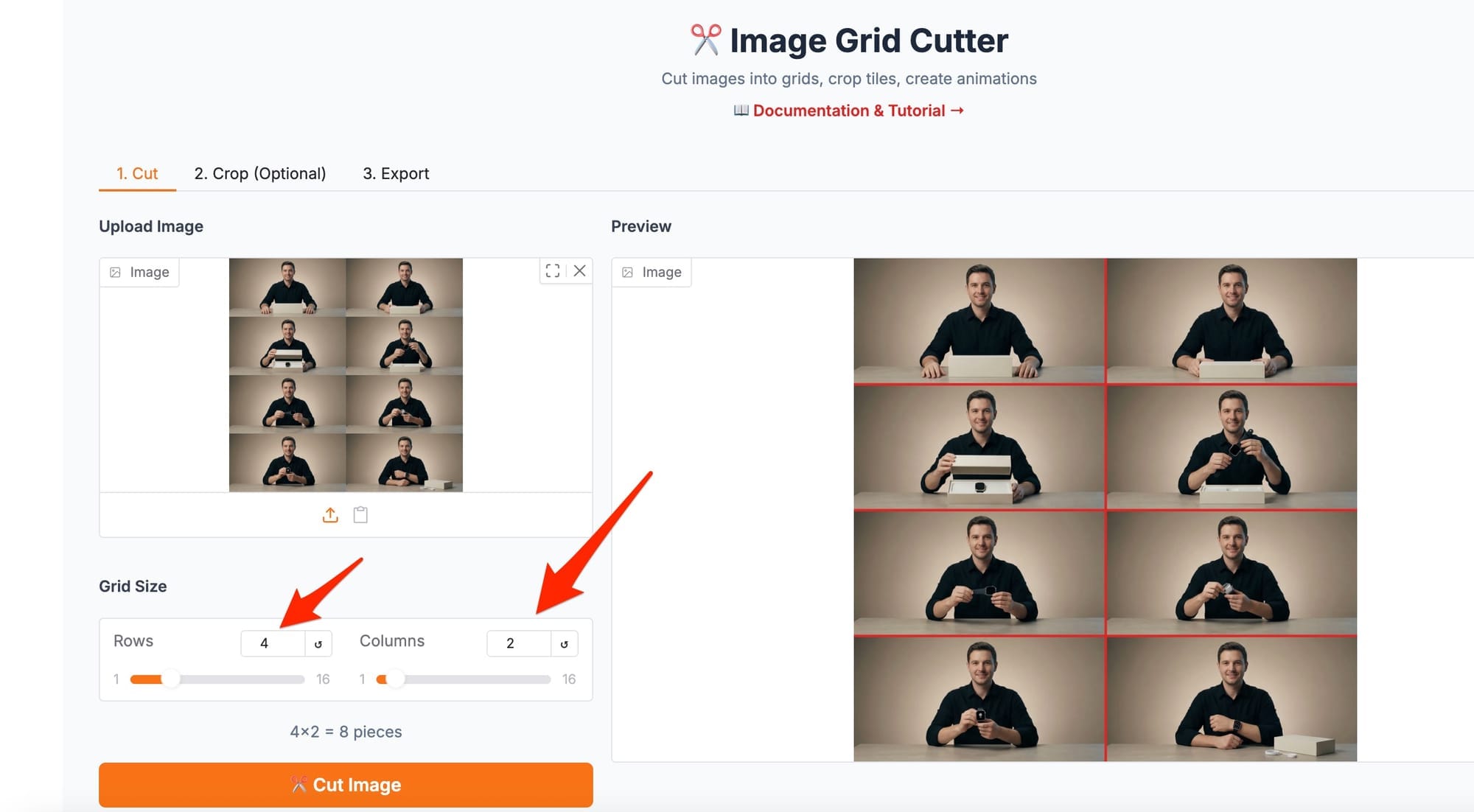
After a few seconds, you should be able to see the extracted images at the bottom of the page.
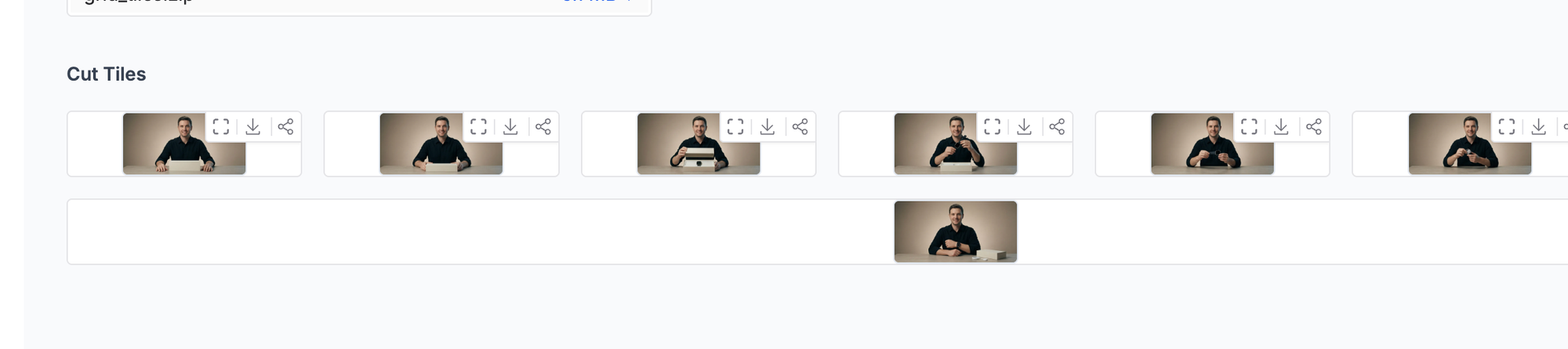
Now head to Export, click "Single tile per frame," and then click Generate GIF.
Please note that you can also download the extracted images separately as a zip file. In this tutorial, however, we want to generate an animation in the export tab.
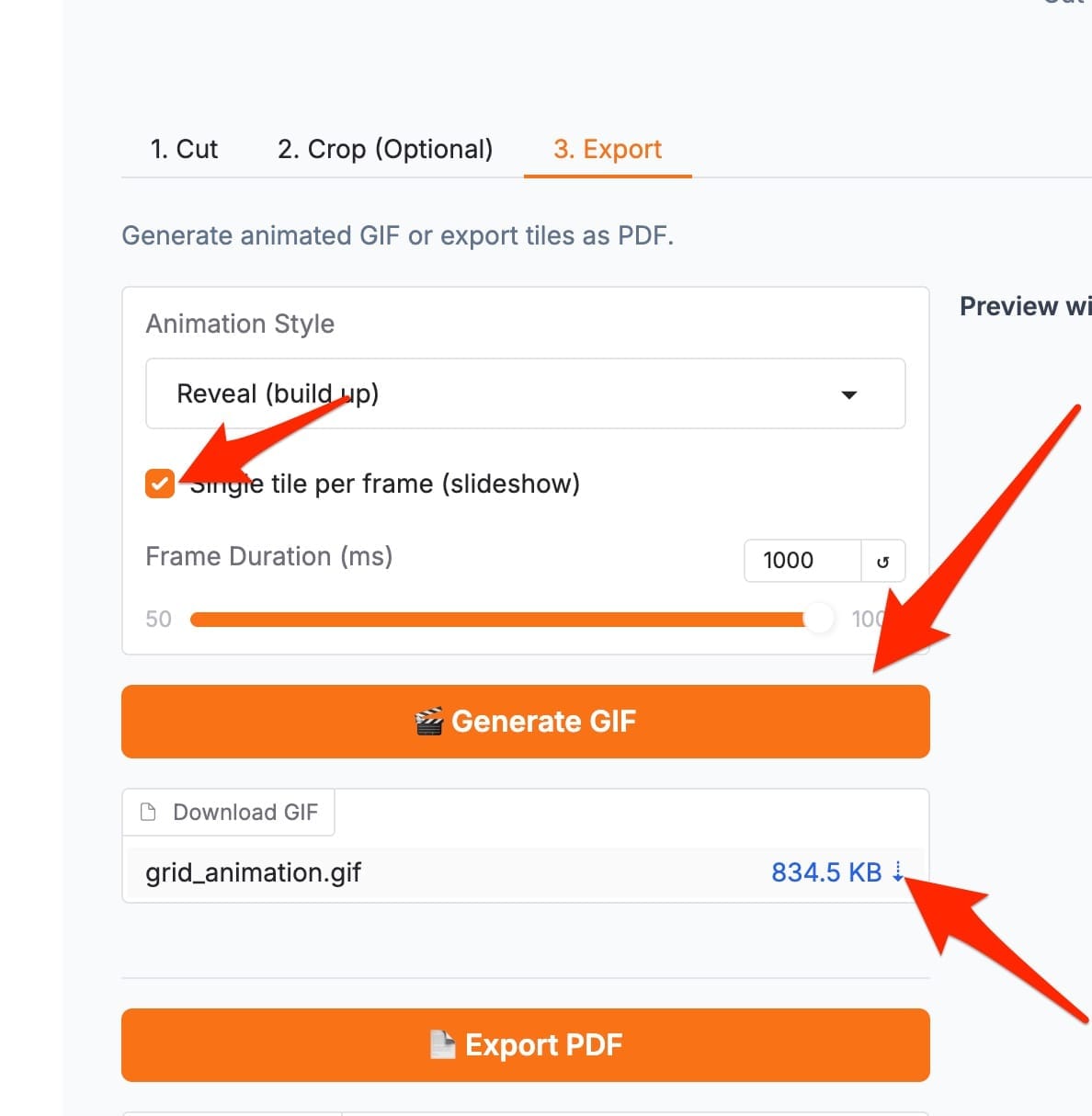
Now, finally, you can download the animation.
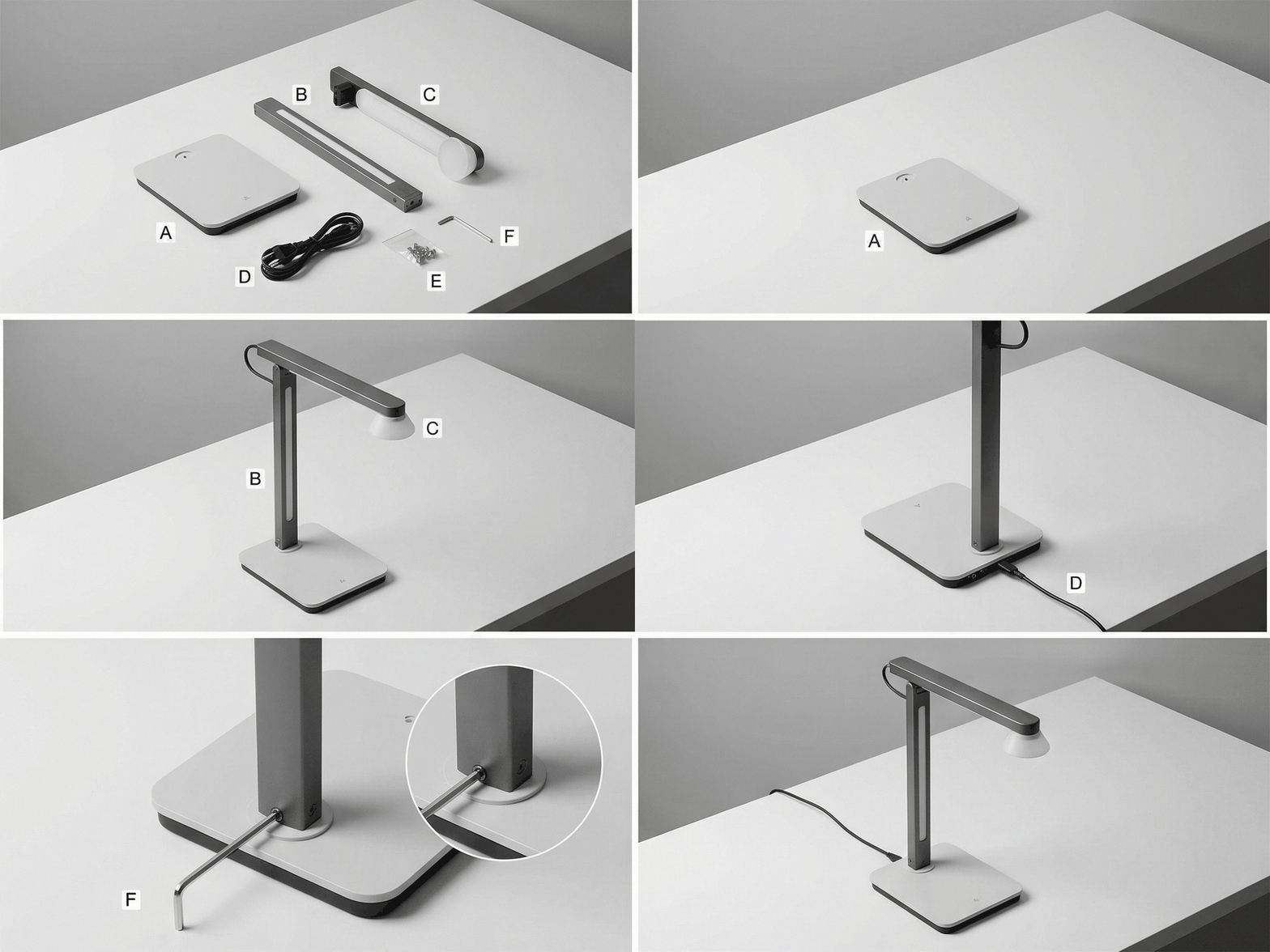
With this approach, you can create powerful animations for your products in minutes.
Bonus Tips
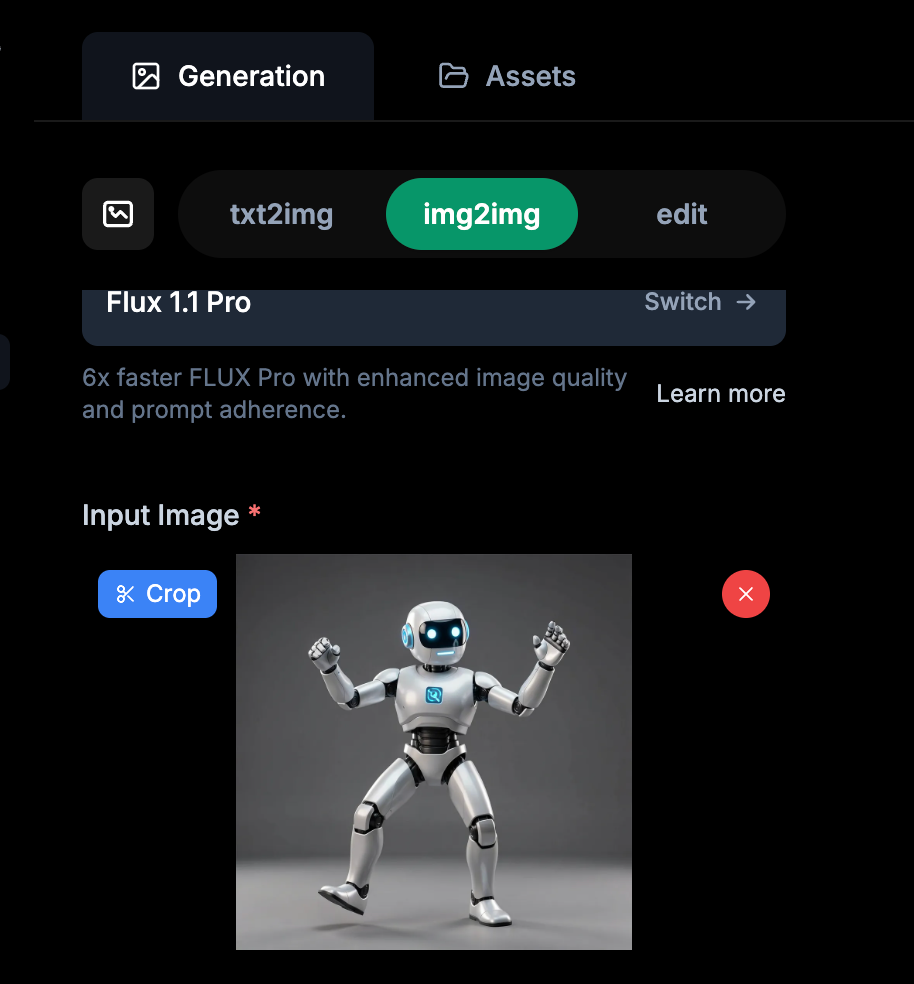
Feel free to also upload your product images to Nano Banana as a reference. You can do this in the img2img tab.
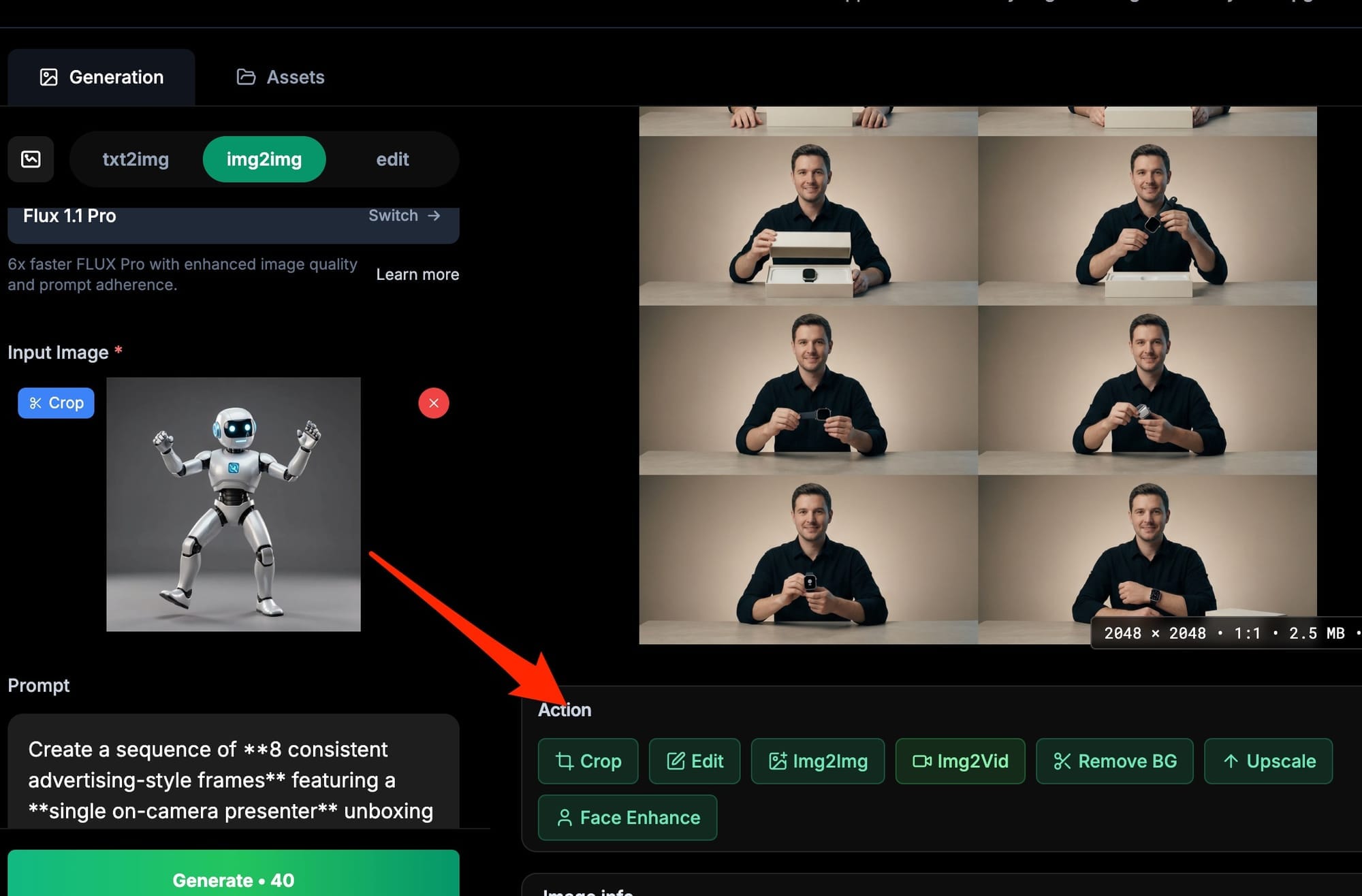
Finally, if you want to edit the image, you can do that with ease to crop, upscale, or remove the background.
Happy animation! :)