Take Back Control: Audit Your macOS Privacy Permissions Using AI
Apple’s privacy system is a double-edged sword. On the one hand, it’s one of the most robust systems in the world, giving you granular control over which apps can access your camera, files and microphone. On the other hand, it can be very difficult to track the extensive permissions and application reach, which can extend to hundreds of different settings ranging from camera access to voice and personal folders.
Over months or years of use, it’s easy to suffer from "permission creep"—unintentionally granting access to an app that doesn't really need it, or forgetting about a setting you changed for a one-time task.
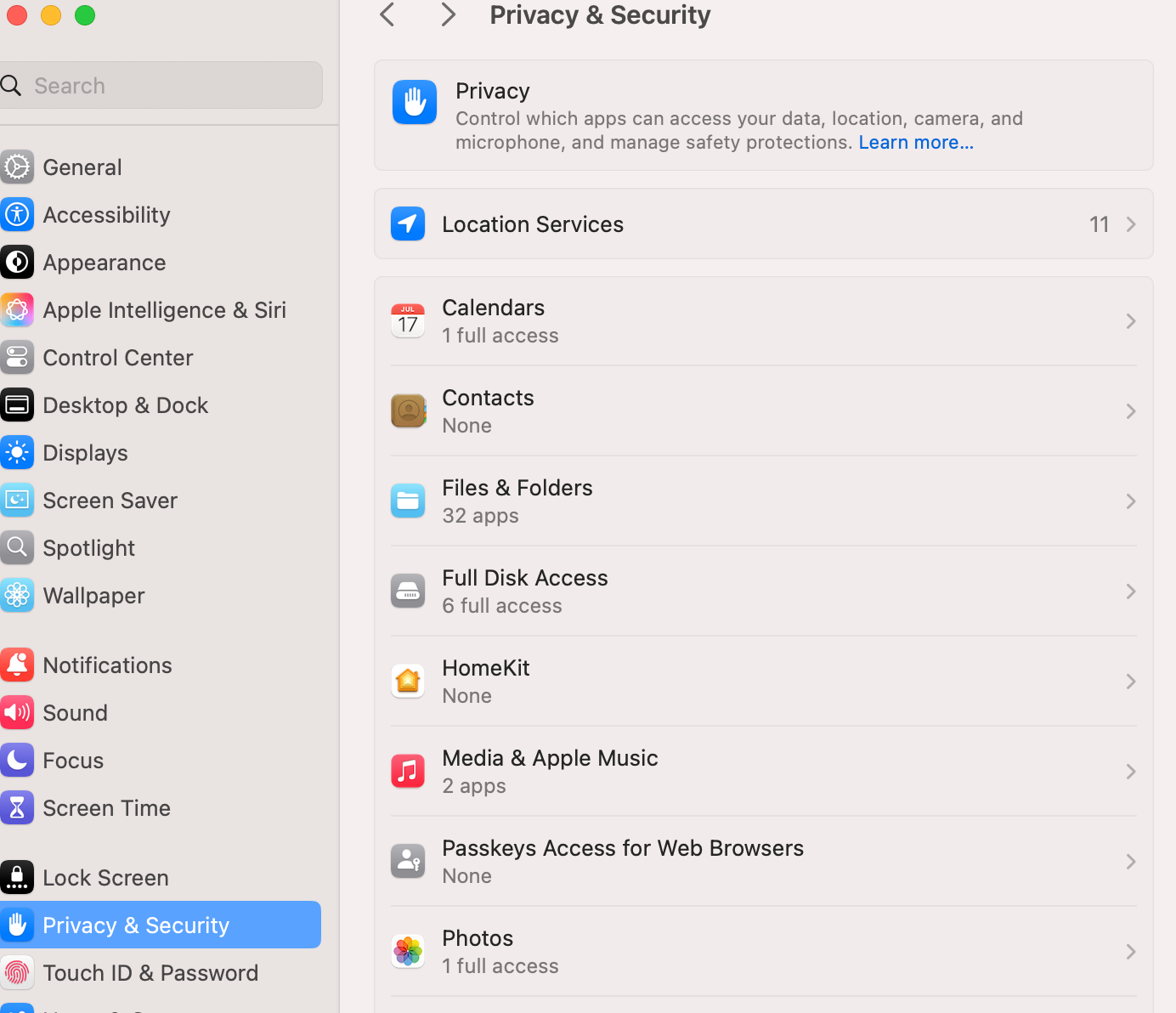
Leaving these permissions "open" isn't just a matter of digital clutter; it’s a security risk. Fortunately, there is a way to see everything at once.
In this tutorial, I’ll show you how to export your entire permission database into a text format and use AI to pinpoint "dangerous" settings you might have missed.
The best part? No external tools are required. All you need is your terminal and a "smart" AI like Claude or ChatGPT.