
How to Benchmark 300+ AI Models in ChatGPT Without Writing a Single Line of Code
We hear almost every day about new AI and Large Language Model (LLM) releases—both open-source and commercial—that promise to outperform existing models in benchmarks. While these advancements are impressive, there is one practical question most of us ask when reading the news:
Can this model help me accomplish my specific task faster, cheaper, or better?
Take, for example, the latest release from Z.ai. While it may perform exceptionally well in reasoning and mathematics benchmarks, that data is not necessarily helpful if your primary AI applications are related to creative writing. The critical question remains: is this new model capable of assisting me with writing business emails or research ?
To answer this, we typically have a few options, though each comes with its own set of challenges:
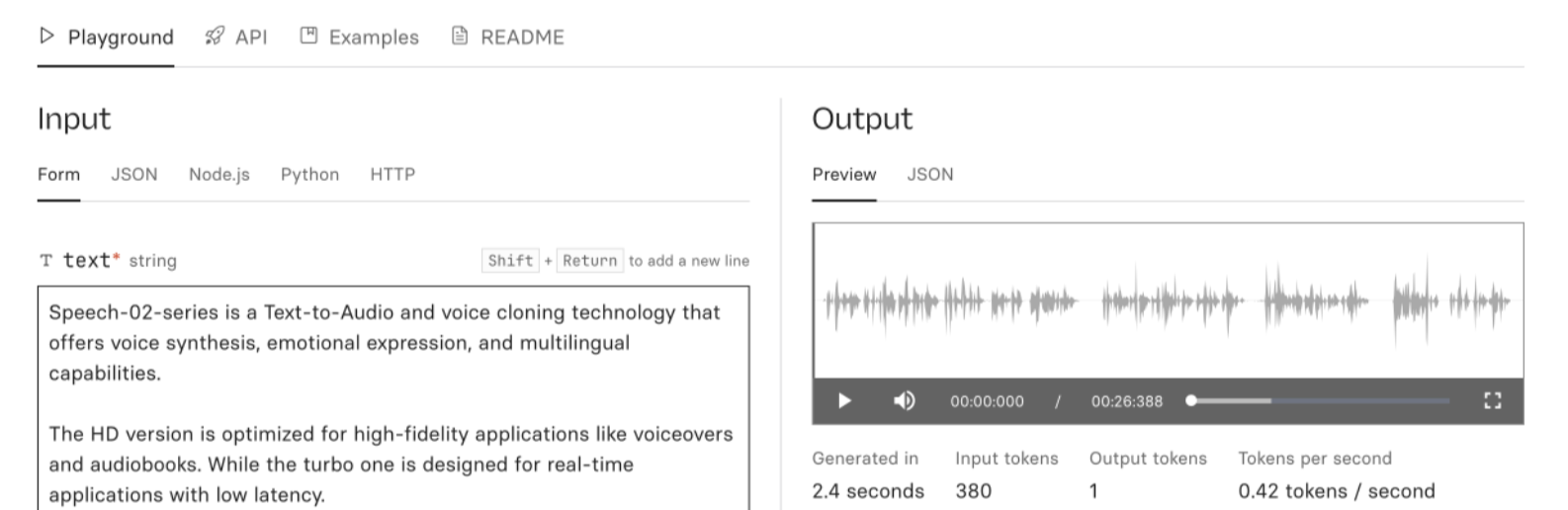
- Manual Platform Testing: You can visit platforms like Replicate or Fireworks Playgrounds, search for the model, and test it with your prompt. You then have to copy the results and compare them manually or use AI to do so.
– The Problem: This requires significant effort, involving constant context switching and copy-pasting.
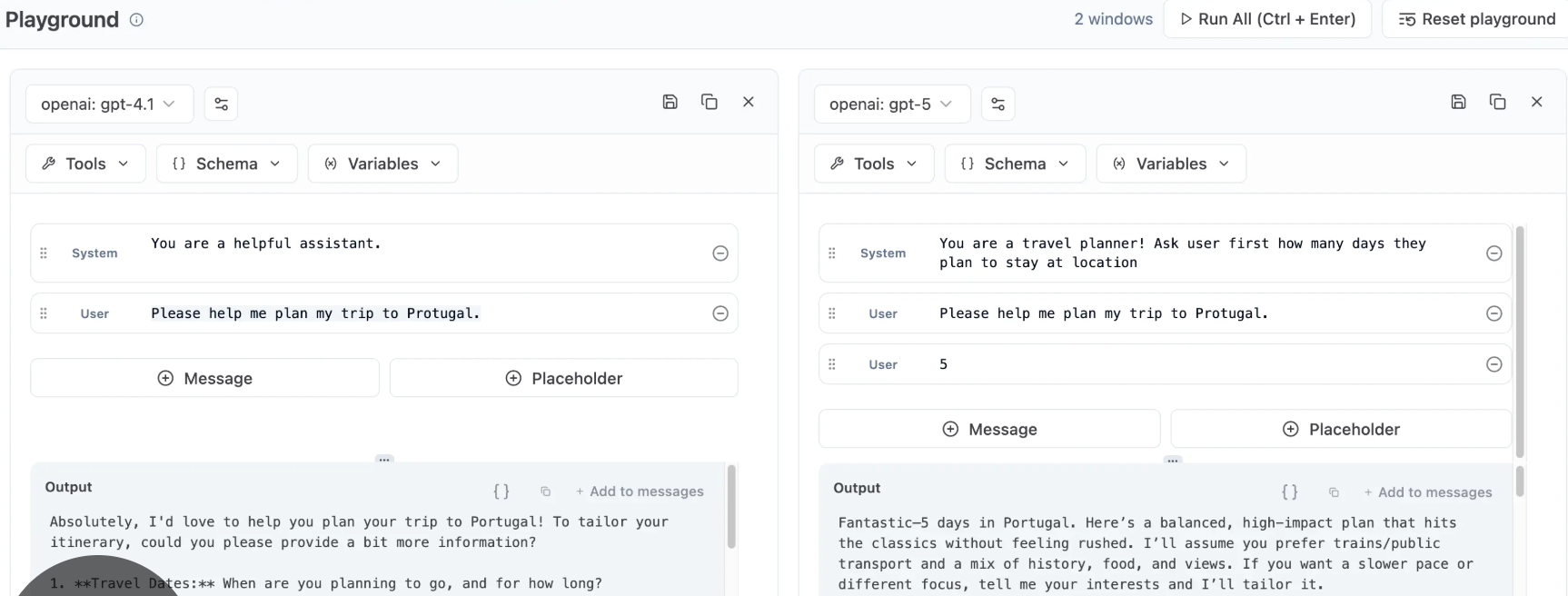
- Multi-Model Chatbots: You can use chatbots that run the same prompt on multiple models simultaneously (e.g. using the Multi LLM feature in Librechat or CherryStudio).

- The Problem: You generally need to "onboard" every model individually by providing separate API keys for each service.
- Developer Tools: If you can code, there are plenty of tools for testing multiple models simultaneously, such as Langfuse or Promptfoo.
– The Problem: These require technical skills and configuration time.
While there are other methods, most remain tedious for the average user and require extra effort to set up.