Edit any PDF using Natural Language in Seconds (with Nano Banana & Nano-PDF)
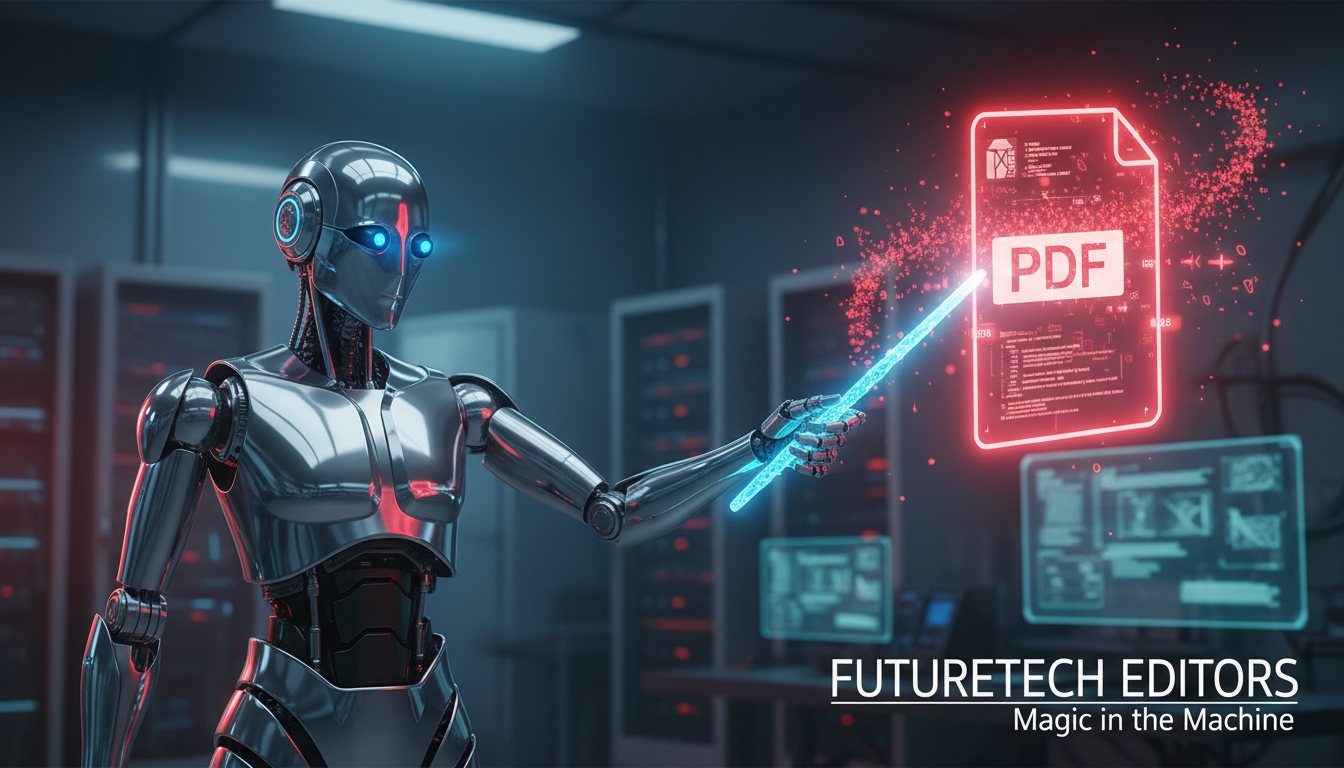
If you're an avid user of image generators, you've probably heard of Nano Banana. The Pro version is especially powerful when it comes to rendering large amounts of text — you can literally 'draw' an entire blog post with one prompt. The applications are so versatile across all industries, from marketing and advertising to art, education and virtually every corner of our lives.
Recently, I came across a seemingly simple yet incredibly powerful application of this technology: Editing PDF files.
In this blog post, I will show you how you can edit any PDF file, regardless of its formatting, with a few simple prompts using Nano Banana and Nano-PDF, an amazing open-source tool.
Let’s dive in.
The problem with PDFs
Editing an image or a scanned page with Nano Banana is actually a no-brainer: all you need to do is pass the image as a reference and add your prompt, right?
This is quite an easy process for images, and there are lots of tutorials on various platforms showing you how to do it.
But with PDFs, it's a different story.
Any text generated by an AI image generator becomes part of the image, so you can’t select or copy it. One of the most powerful features of PDFs is lost.