
AI Browser Agents See Everything You Type — Here's the Private Way to Fill Forms
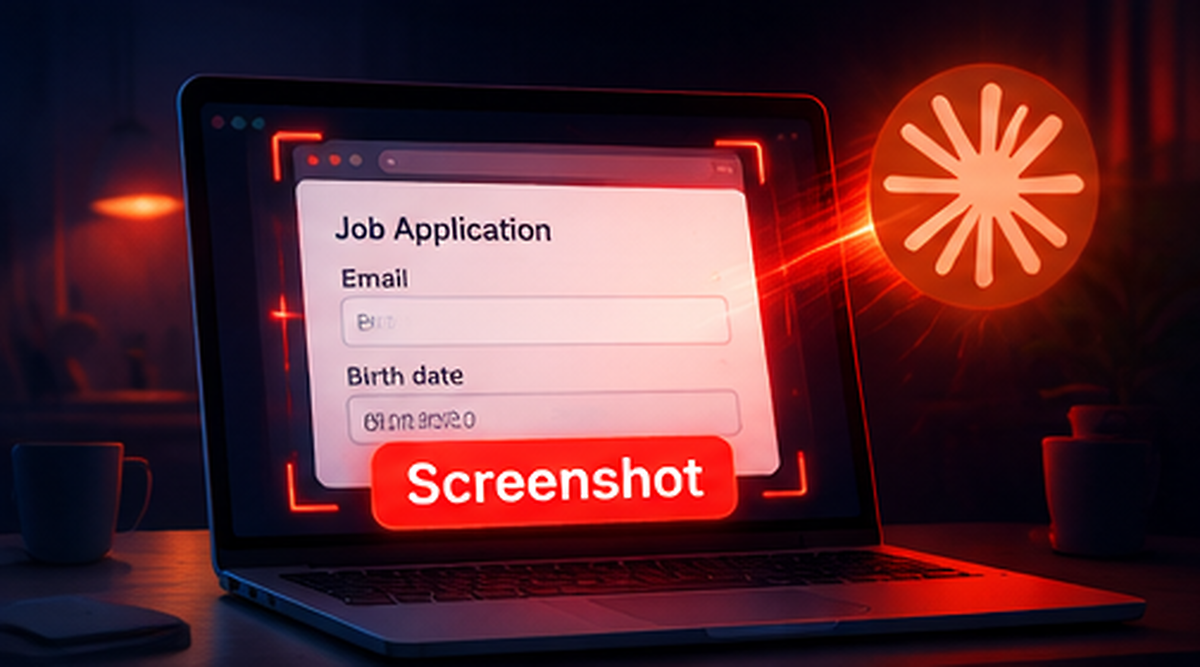
I've written a lot about AI browser extensions lately — Claude for Chrome, ChatGPT for Chrome, even the time I asked Claude to fill out my tax return. These agents click, type and fill out forms almost like a human.
It's awesome. But for some scenarios it has one huge caveat: data privacy.
To see a page and decide what to do next, Claude takes screenshots of the tabs it's working in, and whatever is visible there becomes part of the conversation. Anthropic recommends not using Claude in Chrome on sensitive sites — and says the risk is not zero (support.claude.com).
If you don't care about data privacy, feel free to skip the rest of this post. If you do, I'll show you the fastest, most private option I know today.
Spoiler: 1Password form completion.
So what should we do instead?
Job applications. Registration forms. Doctor appointments. They ask for your email, your birth date (yes, some curious job applications ask for that, for a reason I never understood), your phone number. Very personal stuff — and not just on desktop, on mobile alike.
We can fill out the form manually, of course. But that's tedious, especially on a phone.
Luckily, some password managers like 1Password have a solution: